
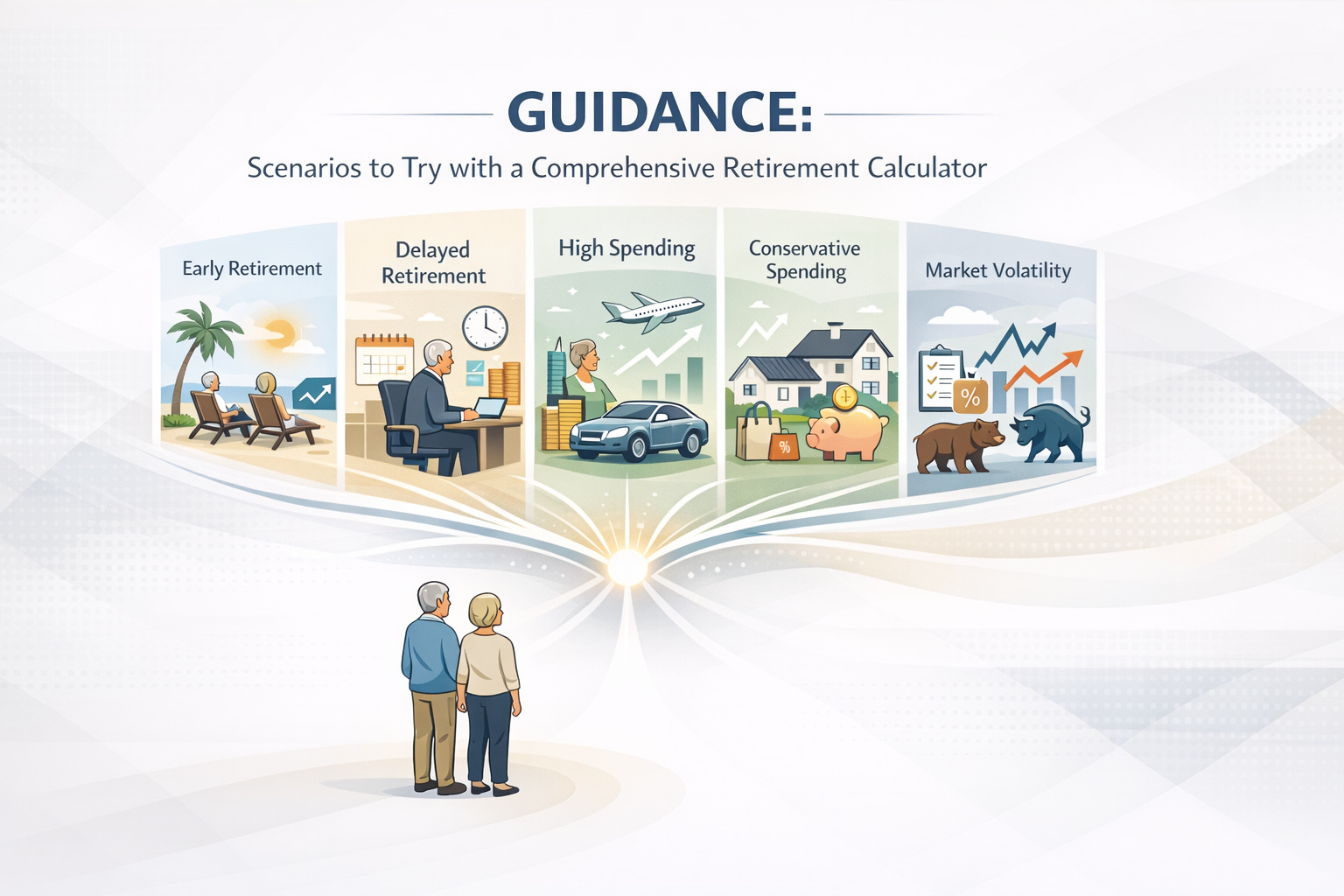
Using a comprehensive retirement planning tool — one that goes far beyond a simple one‑dimensional calculator — allows you to stress‑test your plan, explore alternatives, and build confidence about your financial future. ’s retirement planner is an example of such a tool that enables detailed scenario testing across many variables.
Why Scenario Planning Matters
A retirement plan isn’t static — your life, goals, economy, and health may all change. Modeling multiple “what‑ifs” helps you:
● Assess trade‑offs between choices (e.g., retire earlier vs. later)
● Understand risks like market downturns or high inflation
● Explore tax strategies and their impact over time
● Test the resilience of your plan against adverse outcomes
● See the effect of lifestyle changes on your financial security
Types of Scenarios to Explore
The most meaningful scenario planning includes changing one variable at a time and comparing outcomes to your baseline. Key categories include:
1. Retirement age and work income
2. Longevity assumptions
3. Tax strategies and withdrawal orders
4. Social Security claiming ages
5. Market return variability
6. Savings rate changes
7. Expense patterns over time
8. Roth conversion impact
9. Housing and housing equity decisions
10. Debt payoff and cash flow changes
A good retirement planner also lets you create multiple scenarios and compare them side by side to see how outcomes differ. Help Center
TACTICAL PLAN: How to Use Scenario Modeling Effectively
Step 1 — Start with a Baseline Plan
Create your financial baseline by entering:
● Current age, income, and work plans
● Retirement age and projected expenses
● All savings and investment accounts
● Social Security estimates
● Debts, housing equity, and other assets
This becomes your reference scenario — the foundation you’ll tweak in later steps.
Step 2 — Explore Retirement Timing
Try scenarios where you retire:
● Earlier than planned
● Later than planned
● Transition to part‑time work before full retirement
Compare how each affects longevity of savings, tax brackets, and required withdrawals.
Step 3 — Tweak Longevity Assumptions
People increasingly live into their 90s. Model:
● Short lifespan (e.g., until 75)
● Average lifespan
● Longevity (e.g., 95+)
This helps you see how long your money might need to last.
Step 4 — Test Tax & Withdrawal Strategies
Model different strategies:
● Traditional ordering (taxable → tax‑deferred → Roth)
● Customized withdrawals optimized for tax minimization
● Strategic Roth conversions in low‑income years
Tax planning can significantly affect long‑term net outcomes.
Step 5 — Run Retirement Expense Scenarios
Expenses often change over retirement phases:
● Higher early on (travel, hobbies)
● Lower mid‑retirement
● Higher late‑retirement (health care)
Enter varied spending patterns and see how they affect sustainability.
Step 6 — Simulate Market Variability
Use tools like Monte Carlo simulation to test:
● Optimistic investment returns
● Average expectations
● Pessimistic or downturn scenarios
This shows a probability distribution — not a single point estimate — for your retirement plan’s success.
Step 7 — Include Real‑World Events
Try “what if” scenarios such as:
● Job loss before retirement
● Unexpected inheritance
● Significant medical expenses
● Refinancing or downsizing your home
These can expose vulnerabilities and highlight planning opportunities.
Step 8 — Compare Multiple Plans
Create up to 10 alternate plans or scenarios and:
● Compare how each one affects your projected outcomes
● Select a new baseline when appropriate
● Document changes and rationale
This iterative process builds robustness in your strategy. Help Center
TOP 10 FAQs (With Answers)
1. What’s the difference between a simple and comprehensive retirement calculator?
A simple calculator gives quick results based on limited inputs, often ignoring changing expenses, tax strategies, longevity variations, and market uncertainty. A comprehensive tool lets you model detailed scenarios and update plans over time.
2. How many scenarios should I model?
There’s no fixed number, but start with 3–5 scenarios that reflect realistic variations: a conservative case, a baseline case, and an optimistic case. Expand as needed. Help Center
3. Should I model early retirement?
Yes. Even a few years’ difference in retirement age can drastically change how long savings must last, impact Social Security benefits, and shift tax brackets.
4. Why include tax strategy scenarios?
Taxes affect how much money you keep. Modeling different withdrawal orders and Roth conversions can reduce lifetime tax costs and improve net spending available in retirement.
5. What is Monte Carlo analysis?
It’s a statistical method that simulates many possible market return patterns (e.g., 1,000 simulations) to estimate how likely a plan is to succeed across different conditions, not just a single outcome. Help Center
6. How do I model healthcare cost variability?
Enter different health expense scenarios (e.g., average vs. high costs) or add long‑term care needs to see how these affect withdrawals and sustainability.
7. Should I model changes to housing plans?
Yes. Try scenarios involving downsizing, refinancing, renting out space, or relocating to a lower‑cost state to see how housing decisions affect cash flow and net worth.
8. Can I model the impact of inheritance?
Yes. Include an expected inheritance — and also model the plan without it to avoid over‑reliance on uncertain future funds.
9. What if I run out of money in a scenario?
Use that outcome as a signal to adjust savings, retirement age, spending patterns, or risk assumptions. It helps you identify vulnerability early. Help Center
10. How often should I revisit scenario models?
At least annually — or sooner if life changes (job change, market shifts, big expenses) occur — to keep your retirement plan up to date and responsive.